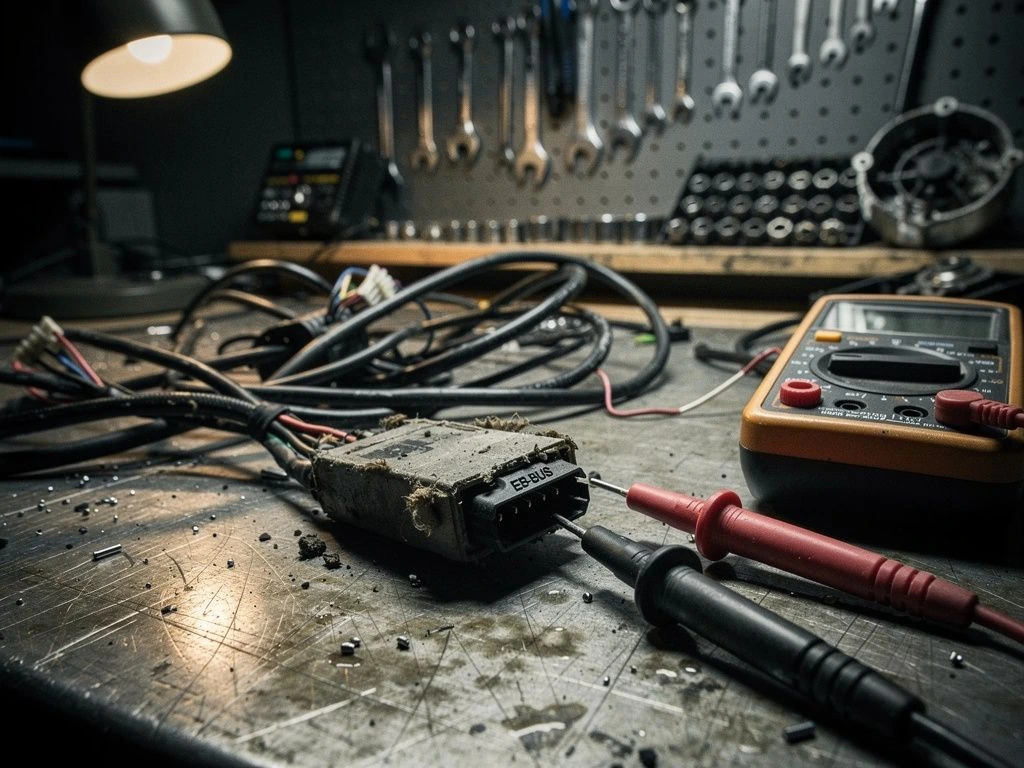
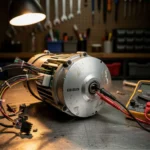
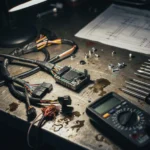
Bafang display not working indicates a loss of electrical continuity or data signal between the interface and the motor controller. Check all EB-BUS harness con
Bafang display not working indicates a loss of electrical continuity or data signal between the interface and the motor controller. Check all EB-BUS harness connections immediately.
When a rider encounters a blank screen or a specific error code, it often signifies a breakdown in the electronic handshake required for operation. Bafang defines error code 30 as “communication failed” between display and controller. This is not typically a mechanical motor failure, but rather a failure in the 5V logic circuit or the data transmission line that tells the controller to wake up.
In professional diagnostics, we categorize these failures based on how the system responds to power input. On specific models like BBS02 and BBSHD, error 30 behaves the same: it is always a communication failed fault between display and controller, not a mechanical motor failure.
Symptom
Root Cause
Severity
Estimated Repair Time
Display is blank/dead
Broken EB-BUS harness or no 5V logic
High
15-30 minutes
Display on, no motor assist
Communication protocol mismatch/error 30
Medium
10-20 minutes
Error appears after rain
Moisture ingress in Julet/Higo connector
Medium
20-40 minutes
Error only on bumps
Vibration damage at JST-SM junction
High
30-60 minutes
What causes Error 30 on Bafang motors?
The EB-BUS main harness carries the essential 5V logic reference and data signals between your display and the controller. Several environmental and mechanical factors can interrupt this flow:
Moisture Ingress: Rain or pressure washing forces water through poorly sealed Julet or Higo connectors, causing short circuits.
Connector Corrosion: In coastal areas with high salt air, pin corrosion can degrade the electrical contact.
Vibration Damage: Constant road vibration from urban commuting can loosen JST-SM connectors or crack internal solder joints.
Humidity & Freeze-Thaw: Rapid temperature shifts in northern climates cause condensation inside the display housing.
Wiring Stress: Excessive tension on the EB-BUS harness during installation can break the fine internal data wires.
⚠️ SAFETY WARNINGS
Remove battery before any work
Wait 5+ minutes for capacitor discharge
NEVER bridge positive and negative terminals
Use insulated tools only
Do not test ride if you smell burning or feel excessive heat
Quick Fix: Error 30 in 5 steps
If you are stuck on a trail or in a city, follow these steps to attempt an immediate recovery:
Disconnect the battery: Remove all power to allow the system to reset.
Wait for discharge: Wait at least 5 minutes to allow the controller capacitors to fully discharge.
Inspect the EB-BUS harness: Check the main cable connecting the display to the motor.
Reseat all connectors: Unplug and plug back in every Julet or Higo connector until you hear a distinct “click.”
Dry the pins: If the error occurred after rain, use a clean cloth to dry the connector pins.
To perform a professional-grade repair, you must move beyond simple reseating and enter active electrical testing. This workflow requires a multimeter and specialized cleaning agents.
Testing the 5V reference voltage confirms if the controller is responsive. Follow this procedure:
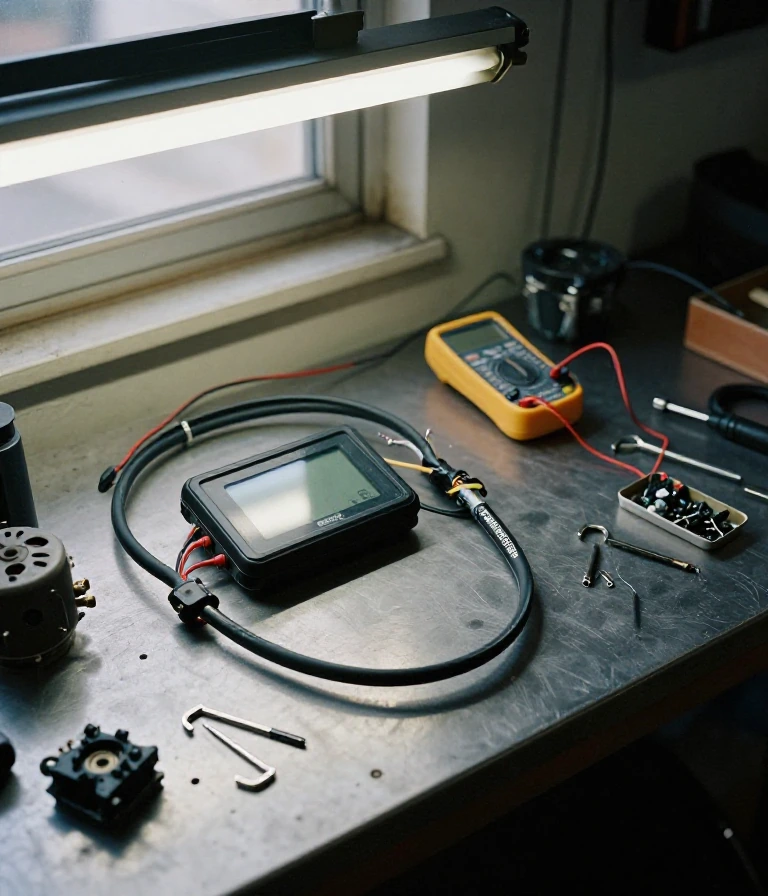
Continuity Test: Use a multimeter to check for continuity across the EB-BUS harness wires. If a wire shows “Open Loop,” the harness must be replaced.
Voltage Check: Measure the voltage at the display input pins. You should see a stable voltage (typically 48V nominal or 54.6V peak depending on your battery) and a consistent 5V logic signal.
Clean the Interface: Apply electronic contact cleaner to the pins of the Higo or Julet connectors to remove oxidation.
Apply Dielectric Grease: Once cleaned, apply a thin layer of dielectric grease to the connector pins to prevent future moisture ingress.
Verify Communication: Reconnect the battery and power on the display. If the error persists despite perfect continuity, the MOSFET in the controller or the display’s internal logic board may be fried.
Prevention & Maintenance
Preventing communication failure is significantly easier than repairing it. Follow these industry standards to protect your Bafang system:
Seal your connectors: Always ensure Julet and Higo connectors are fully seated and the rubber gaskets are intact.
Avoid pressure washing: Never direct high-pressure water at the display or the motor’s wiring harness.
Manage moisture: In humid or coastal climates, use silicone-based protective sprays on exposed wire ends.
Check torque specs: Ensure battery mounting bolts and display mounting brackets are tightened to manufacturer specifications to prevent vibration-induced wire fatigue.
Frequently Asked Questions
Is a dead display dangerous for my bike?
Summary: Not inherently dangerous, but it causes loss of motor assist.
If the display is dead due to a short circuit, it could potentially damage the controller’s MOSFET. Always disconnect the battery immediately if you smell burning.
When should I replace the whole controller instead of the cable?
Summary: Replace the controller if voltage is present but communication is still failed.
If your multimeter shows 48V-54V at the controller but the display refuses to turn on or shows Error 30 after cleaning all wires, the internal communication protocol chip is likely dead.
Can I use a different brand of display?
Summary: No, you must use Bafang-compatible displays.
Bafang uses specific display-controller communication protocols. Using a generic display will not work because the EB-BUS signals will not match the controller’s logic.
How do I stop moisture from causing errors?
Summary: Use dielectric grease and check seal integrity.
Regularly inspecting the rubber seals on your Julet connectors and applying dielectric grease will prevent the pin corrosion that leads to Error 30.
Always verify your specific wiring colors against your model’s official service manual for exact specifications.
This guide is based on real-world experience with Bafang motors. If the error persists or you notice burning smell or abnormal heat, consult an authorized service center.
Is a Bafang display failure dangerous for my motor?
Summary: A non-responsive display is generally not dangerous for the motor, but it prevents all rider input and control.
A non-responsive display is generally not dangerous for the motor, but it prevents all rider input and control. The motor will simply remain idle until the communication link is restored.
Since the display acts as the user interface, a failure usually indicates a break in the EB-BUS or power delivery. If you smell ozone or see scorched wires near the drive unit, disconnect the battery immediately to prevent electrical shorts.
When should I replace my Bafang display versus repairing it?
Summary: Replace the display if the LCD screen is physically cracked or if internal liquid crystal leakage is visible.
Replace the display if the LCD screen is physically cracked or if internal liquid crystal leakage is visible. Repair the wiring harness if the issue is a loose connection or a broken pin.
Internal circuit failures within the MAX-C966 or similar units often require full replacement. However, if the display turns on but shows no data, the issue is likely the EB-BUS link to the drive unit rather than the unit itself.
Can I fix a Bafang display not working at home?
Summary: You can fix most connection issues at home by checking the EB-BUS and battery cable links.
You can fix most connection issues at home by checking the EB-BUS and battery cable links. You do not need specialized tools to reseat plugs or inspect for visible wire damage.
Follow the installation steps in the Max Drive System manual to ensure the EB-BUS is correctly linked to the drive unit. Use a multimeter to check for continuity in the harness, but avoid opening the sealed display housing.
How do I prevent Bafang display errors from happening again?
Summary: Prevent errors by ensuring all system cabling is securely seated and protected from vibration.
Prevent errors by ensuring all system cabling is securely seated and protected from vibration. Avoid over-tightening connectors or exposing the EB-BUS wires to excessive tension during installation.
Properly install the battery slideway to prevent movement that could strain the battery cable. Maintaining the integrity of the external speed-detecting sensor and its connection to the drive unit also prevents intermittent display blackouts.
Why does my Bafang display turn off after riding in rain?
Summary: This usually indicates moisture ingress in the display pins or the EB-BUS connector.
This usually indicates moisture ingress in the display pins or the EB-BUS connector. Water can create a temporary short circuit that interrupts the communication signal between the display and controller.
If the display fails specifically after wet conditions, inspect the connection points for corrosion or loose seals. Ensure the display installation follows the DPCO1.RS232.7 protocol specifications to maintain the intended environmental resistance of the system.
I am a specialist in technical diagnostics and advanced electric bicycle repair. I founded Fix E-Bike Code with a clear mission: to demystify the electronic faults and complex error codes that impact modern electric mobility. My approach combines engineering theory with hands-on workshop experience, allowing me to deliver precise and safe solutions for every system.
Throughout my career, I have specialized in Battery Management Systems (BMS), firmware optimization, and controller diagnostics for the market’s leading manufacturers. I understand that an e-bike is not just a mode of transport, but a piece of technology that requires precision. Therefore, I document each of my procedures with the goal of raising technical standards within the community of enthusiasts and mechanics.