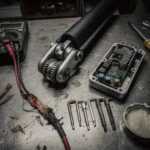
Bafang Firmware Update Error: How to Fix Data Transfer Issues
Bafang firmware update error indicates a failure during the data transfer process between your computer and the motor's MCU. Verify your programming cable and U
Bafang firmware update error indicates a failure during the data transfer process between your computer and the motor’s MCU. Verify your programming cable and USB connection before attempting a retry.
⚠️ SAFETY WARNINGS
Remove battery before any work
Wait 5+ minutes for capacitor discharge
NEVER bridge positive and negative terminals
Use insulated tools only
Do not test ride if you smell burning or feel excessive heat
When attempting to flash new software, an error during the process usually results in a communication breakdown. Bafang defines error code 30 as “communication failed” between display and controller. In the context of a firmware update, this means the data packets sent via the programming cable are not being correctly acknowledged by the microcontroller unit (MCU) inside the motor.
On specific models like BBS02 and BBSHD, error 30 behaves the same: it is always a communication failed fault between display and controller, or the programming interface, not a mechanical motor failure.
Symptom
Root Cause
Severity
Estimated Repair Time
Update hangs at 0%
Faulty Higo/Julet cable
High
15-30 minutes
Display shows Error 30
EB-BUS harness interruption
Medium
10-20 minutes
“Write Failed” message
Voltage drop/Low battery
Critical
5 minutes
Motor unresponsive post-update
Corrupted MCU firmware
Critical
Professional Required
What causes Error 30 on Bafang motors?
The primary culprit is often the physical layer of the communication protocol. The EB-BUS main harness carries 5V logic between the display and the controller; any interruption in this signal path will trigger a communication failure. During a firmware update, the system relies on a stable 5V logic reference to validate data packets.
Common technical causes include:
Moisture Ingress: Water entering Julet or Higo connectors causes temporary shorts or high resistance.
Connector Corrosion: Coastal salt air or high humidity leads to pin oxidation, breaking the signal path.
Vibration Damage: Loose JST-SM connectors or frayed wires in the EB-BUS harness from riding on rough terrain.
Pressure Washing Damage: High-pressure water forced past seals into the controller, damaging the MOSFET or communication traces.
Voltage Instability: If the battery voltage drops below the required threshold (e.g., below 48V nominal during a 54.6V peak cycle), the MCU cannot sustain the write process.
Quick Fix: Error 30 in 5 steps
If you are in the middle of an update and the screen freezes, follow these steps immediately to prevent bricking the controller:
Disconnect the battery from the drive unit.
Wait 5 minutes to allow the internal capacitors to discharge completely.
Check the EB: BUS main harness for visible pin damage.
Reseat all Julet and Higo connectors until you hear a distinct click.
Dry or clean the connector pins with contact cleaner if moisture is present.
A full diagnostic requires a systematic approach to ensure the hardware can handle the software write. If the “Quick Fix” did not resolve the error, proceed with this professional workflow.
Tools Needed
Digital Multimeter
Electronic Contact Cleaner (non: residue)
Dielectric Grease
Bafang-compatible programming cable (Higo/Julet)
Full Diagnostic Workflow
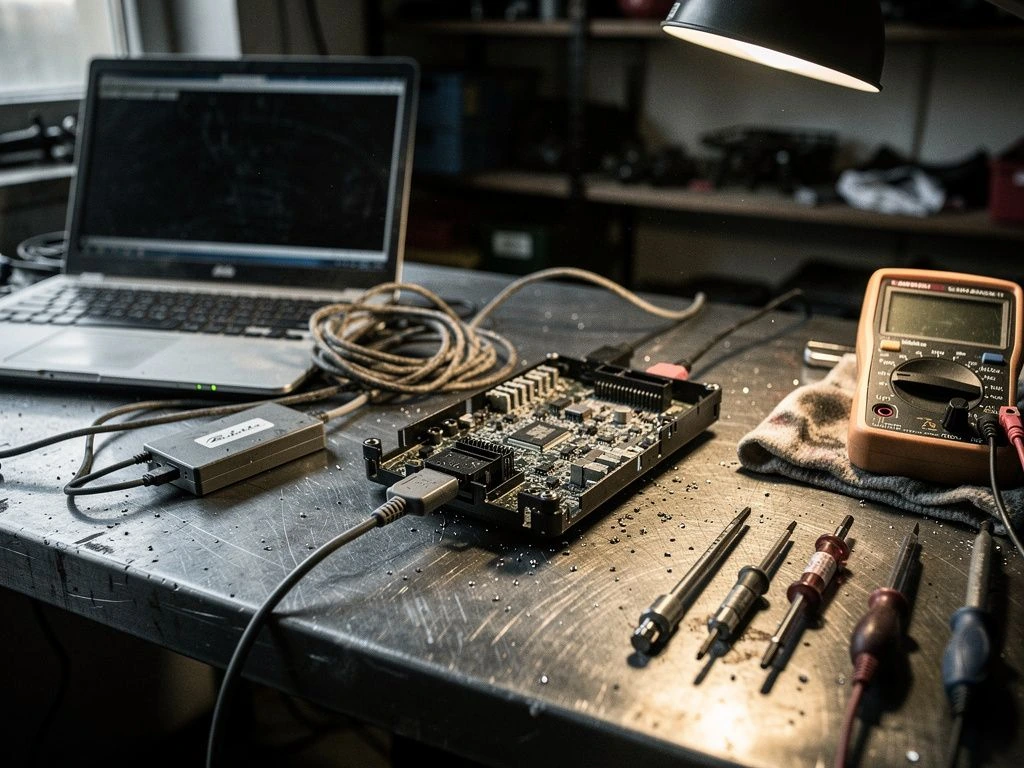
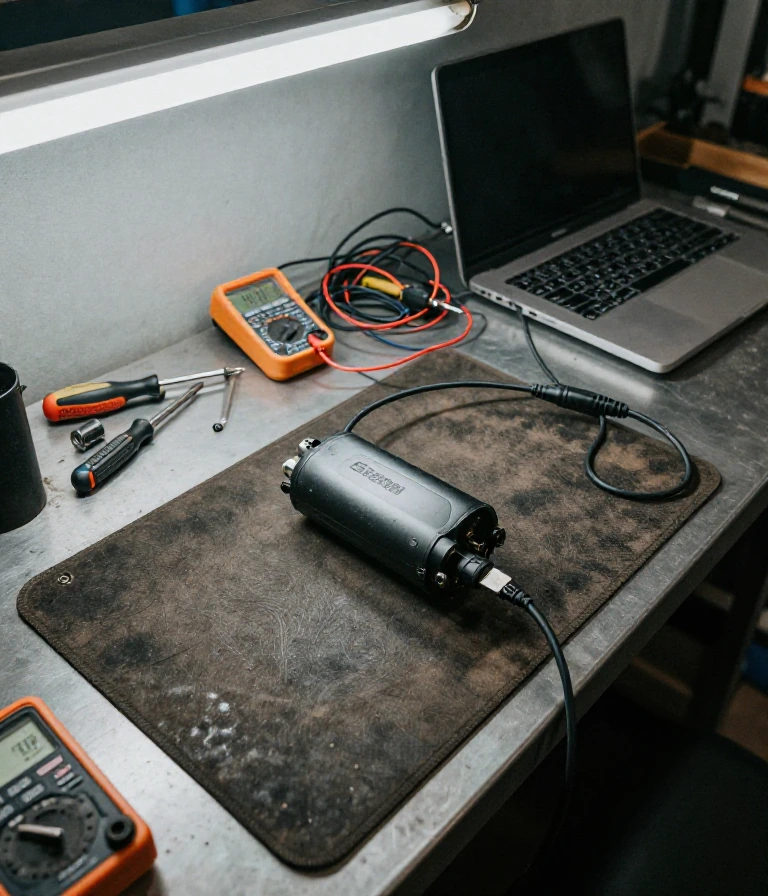
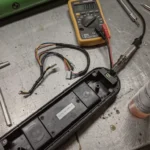
Testing the 5V reference voltage confirms if the controller is responsive. Use your multimeter to check the continuity of the EB-BUS wires. If you find an open circuit, the harness must be repaired or replaced. If the connection is solid, the issue may lie with the programming cable itself. Ensure your USB port provides stable power and that the programming cable is firmly seated in the display port. If you suspect moisture ingress, use contact cleaner to clean the pins and apply a small amount of dielectric grease to prevent future oxidation in humid climates.
Prevention & Maintenance
Maintaining your Bafang system prevents communication errors from recurring. Proper care ensures the EB-BUS protocol remains stable across different riding conditions.
Seal the Connectors: Use waterproof silicone grease on all Julet and Higo connectors to prevent moisture ingress.
Avoid Pressure Washing: Never direct high-pressure water at the motor, controller, or display ports.
Check Torque Specs: Ensure battery mounting bolts are tightened to manufacturer specs to prevent vibration damage to internal wiring.
Climate Management: In coastal areas or high-humidity zones, inspect connectors monthly for signs of pin corrosion.
Battery Management: Always ensure the battery is above 90% charge before attempting any firmware or display-controller updates.
Frequently Asked Questions
Is it dangerous to continue an update after an error?
Summary: Yes, it is high risk.
Attempting to force an update after a communication failure can “brick” the controller, making it completely unresponsive. If the update fails, do not keep clicking “retry” without checking the hardware.
When should I replace my EB-BUS harness instead of fixing it?
Summary: Replace if wires are frayed or pins are corroded.
If you see green oxidation on the pins or the wire insulation is cracked due to freeze-thaw cycles, a simple cleaning won’t suffice. Replacing the entire harness is the only permanent solution.
Can I use a standard USB cable instead of the Bafang cable?
Summary: No, you need the specific Higo/Julet interface.
Method
Standard USB
Bafang Programming Cable
Data Protocol
Universal
Specific EB-BUS/MCU
Connector Type
USB-A/C
Higo/Julet Green
Reliability
Low
High
How do I prevent Error 30 in rainy weather?
Summary: Use dielectric grease and check seals.
Moisture is the enemy of 5V logic. Applying dielectric grease to all connection points creates a hydrophobic barrier that prevents water from entering the connector housing.
How do I know if my controller is permanently damaged?
Summary: Check for a burning smell or total power loss.
If the error is accompanied by a burning smell or if the display will not turn on even with a known good battery, the MOSFET within the controller has likely failed.
Ensure your battery is fully charged and your connections are seated firmly before attempting any further firmware operations.
This guide is based on real-world experience with Bafang motors. If the error persists or you notice burning smell or abnormal heat, consult an authorized service center.
Frequently Asked Questions
Is a Bafang firmware update error dangerous for my motor?
Summary: A firmware update error is generally not dangerous to the physical motor hardware, but it can leave your drive unit in a non-functional s….
A firmware update error is generally not dangerous to the physical motor hardware, but it can leave your drive unit in a non-functional state until the MCU is successfully reflashed.
If the update process is interrupted, the Microcontroller Unit (MCU) may enter a “bricked” state where it cannot communicate with the display. This is a software lockout, not a mechanical failure, though it may require professional tools to restore the original factory firmware.
When should I replace my Bafang controller versus repairing it?
Summary: Replace the controller if you detect burnt smells or visible damage to the internal circuitry.
Replace the controller if you detect burnt smells or visible damage to the internal circuitry. Repair the firmware via a programming cable if the hardware is physically intact but unresponsive.
If the error is accompanied by an “ozone” smell or if the motor feels “cogged” during operation, the MOSFETs within the controller are likely compromised. In these cases, replacing the unit with an OEM-verified part is safer than attempting a software-only fix.
Can I fix a Bafang firmware error at home without tools?
Summary: You cannot fix a firmware-level error without a specific programming cable and a computer.
You cannot fix a firmware-level error without a specific programming cable and a computer. Standard bike tools will not resolve software corruption or communication failures.
To perform a successful update, you must use a cable with a USB connector on one end and a green Higo connector on the other. Ensure you do not turn the power on until the software interface explicitly instructs you to do so to prevent data corruption.
How do I prevent Bafang firmware errors from happening again?
Summary: Always ensure your battery voltage is stable and high during updates.
Always ensure your battery voltage is stable and high during updates. Avoid updating the firmware while riding in high-moisture environments like heavy rain or near coastal salt spray.
Fluctuations in power supply during the flashing process are the primary cause of communication errors. Use a fully charged battery and ensure all EB-BUS connections are seated firmly to maintain a continuous electrical loop throughout the procedure.
Why does a Bafang error appear after a firmware update?
Summary: Errors like Error 21 often appear if the new firmware version is incompatible with your specific speed-detecting sensor or motor configur….
Errors like Error 21 often appear if the new firmware version is incompatible with your specific speed-detecting sensor or motor configuration.
If you encounter an error immediately after flashing, it usually indicates a mismatch between the new firmware parameters and the existing hardware. For example, the firmware may expect a different signal frequency from the external sensor, causing the system to report a sensor abnormality.
I am a specialist in technical diagnostics and advanced electric bicycle repair. I founded Fix E-Bike Code with a clear mission: to demystify the electronic faults and complex error codes that impact modern electric mobility. My approach combines engineering theory with hands-on workshop experience, allowing me to deliver precise and safe solutions for every system.
Throughout my career, I have specialized in Battery Management Systems (BMS), firmware optimization, and controller diagnostics for the market’s leading manufacturers. I understand that an e-bike is not just a mode of transport, but a piece of technology that requires precision. Therefore, I document each of my procedures with the goal of raising technical standards within the community of enthusiasts and mechanics.