Ninebot Max G30 Error Codes: Troubleshooting & Fix Guide
Ninebot Max G30 error codes indicate specific electrical or mechanical faults within the scooter's system. Check your display immediately to identify the numeri
Ninebot Max G30 error codes indicate specific electrical or mechanical faults within the scooter’s system. Check your display immediately to identify the numeric code and inspect cable connections first.
⚠️ SAFETY WARNINGS
Remove battery before any work
Wait 5+ minutes for capacitor discharge
NEVER bridge positive and negative terminals
Use insulated tools only
Do not test ride if you smell burning or feel excessive heat
When your Segway-Ninebot Max G30 displays a number, it is communicating a specific failure in the electronic ecosystem. These codes act as a diagnostic bridge between the internal controller and the user. While the exact terminology can vary by firmware version, the logic remains consistent: the scooter has detected a deviation from standard operating parameters (voltage, current, or signal integrity) and has entered a fail-safe mode to protect the MOSFETs and the lithium-ion cells.
Understanding the severity of these codes is critical for urban commuters in the US who need to decide between a 15-minute roadside fix or a professional service visit.
Symptom
Root Cause
Severity
Estimated Repair Time
Display shows code, motor won’t spin
Communication or Controller Fault
High
30-60 minutes
Scooter shuts off under load
Battery/BMS Error
Critical
1-2 hours
Intermittent cutting out on bumps
Connector/Vibration Damage
Medium
15-30 minutes
No power to display at all
Voltage/Connection Failure
High
20-40 minutes
What causes Ninebot Max G30 error codes?
Several technical factors trigger these faults. The Ninebot Max G30 relies on a sophisticated interplay of 5V logic signals, Hall sensor feedback, and high-current paths managed by the controller. Most failures stem from one of the following environmental or mechanical stressors:
Moisture Ingress: Rain or improper pressure washing can force water into Julet or Higo-style waterproof connectors, causing short circuits in the 5V logic reference.
Vibration Damage: Constant riding on uneven US city streets can loosen the internal EB-BUS main harness or crack solder joints on the controller PCB.
Connector Corrosion: In coastal areas with high salt air, pin corrosion on the JST-SM or similar internal connectors can impede the display-controller communication protocol.
Thermal Stress: Excessive heat during long climbs can trigger a MOSFET failure or a temperature abnormal error (Error 16).
BMS Instability: Rapid voltage fluctuations or humidity-induced sensor errors can lead to Error 21 (Battery Communication Error).
Quick Fix: Ninebot Max G30 error in 5 steps
If you are stranded, follow these steps to attempt a rapid recovery of the system:
Disconnect battery: Remove the power source to stop the current flow.
Wait 5 minutes: Allow the internal capacitors to fully discharge.
Check the harness: Inspect the main EB-BUS harness for visible crimps or tears.
Reseat connectors: Unplug and replug all visible Julet/Higo connectors until you hear a distinct click.
Dry the pins: If the error appeared after rain, use compressed air or a clean cloth to dry connector pins.
For a deeper diagnostic, you must move beyond surface checks and use precision tools. This workflow is necessary for persistent errors like Error 18 (Controller Fault) or Error 21 (Battery Communication Error).
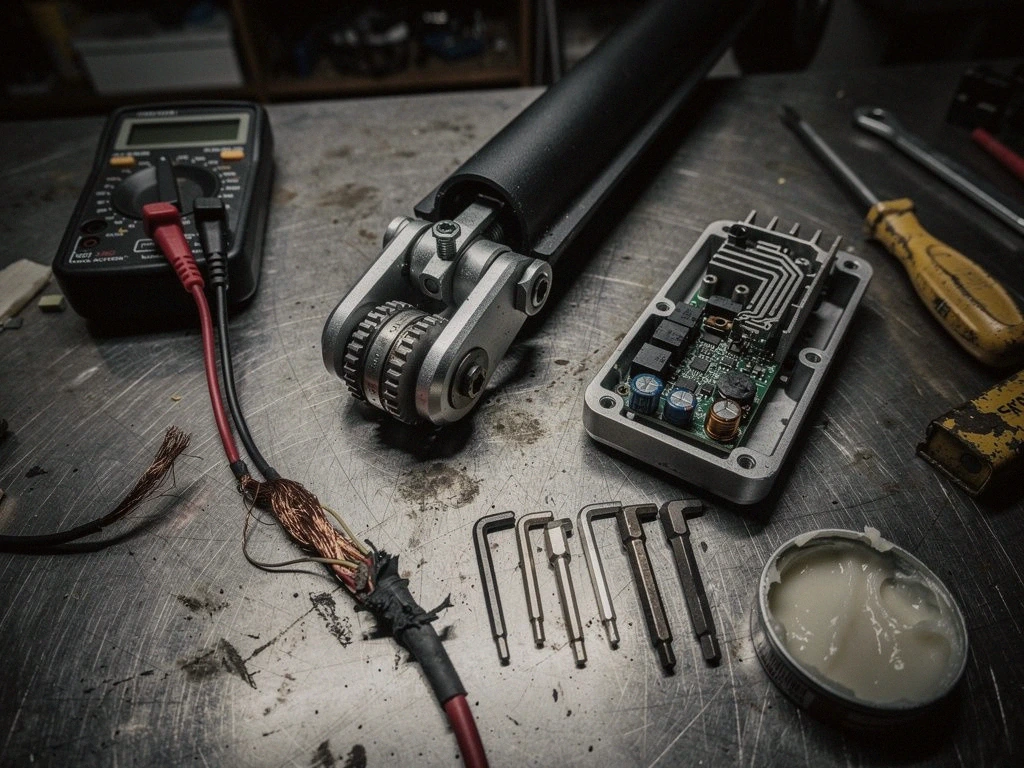
Tools Required: Multimeter (essential), electronic contact cleaner, dielectric grease, and a hex/torx driver set.
The Diagnostic Workflow:
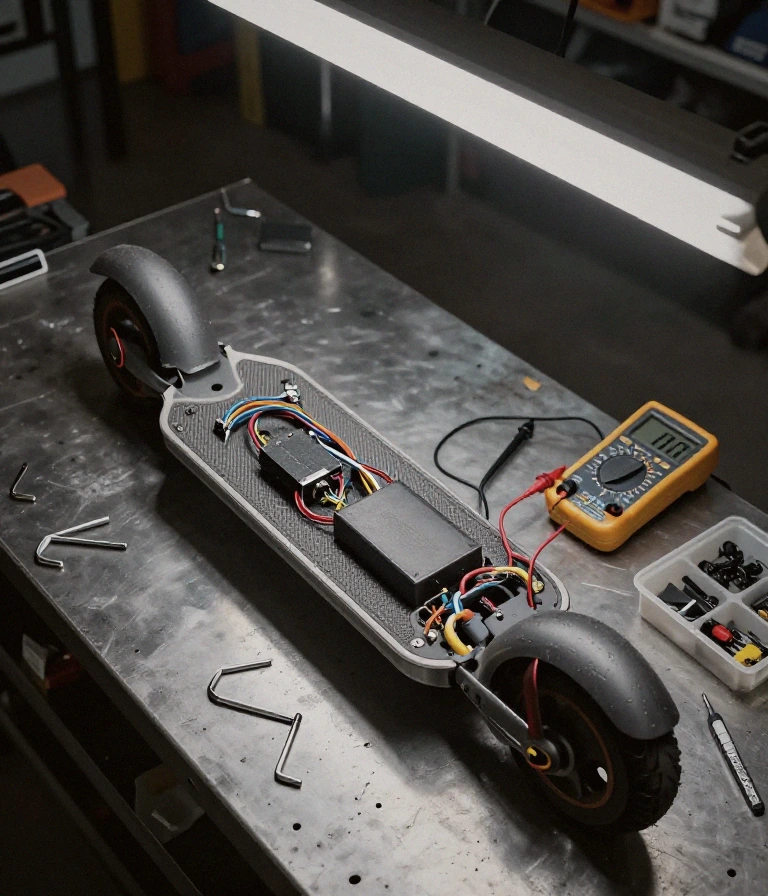
Verify Voltage: Use your multimeter to check the battery output. Ensure it matches the nominal voltage (typically ~36.8V or ~48V depending on specific model variants) and check for stable peak voltage.
Test Communication: If you see Error 10, use the multimeter to check for the presence of 5V logic signals at the display interface.
Inspect Hall Sensors: If the motor stutters, check the Hall sensor signal wires. A faulty Hall sensor prevents the controller from timing the phase currents correctly.
Clean Connections: Apply electronic contact cleaner to any connectors showing signs of oxidation or pin corrosion.
Apply Dielectric Grease: Once cleaned, apply a thin layer of dielectric grease to the pins to prevent future moisture ingress and ensure a stable connection.
Prevention & Maintenance
To prevent recurrence, especially in humid or coastal climates, implement these maintenance protocols:
Seal your connections: Always ensure waterproof connectors are fully seated and the locking mechanism is engaged.
Avoid pressure washing: Never use high-pressure water near the stem or motor; use a damp cloth instead.
Monitor torque specs: Periodically check that bolts on the folding mechanism and battery compartment are tightened to OEM specifications.
Climate management: In freeze-thaw cycles, moisture trapped in connectors can expand and damage pins; dry your scooter thoroughly after use in wet weather.
Frequently Asked Questions
Is an error code a sign of an immediate safety risk?
Summary: It depends on the code. High Risk: Battery (Error 19/21) or Controller (Error 18) errors suggest potential fire or total power loss. Low Risk: Minor sensor faults may allow limited mobility but should be fixed immediately.
If you see a battery-related error, stop riding immediately to prevent cell damage.
When should I replace a part instead of fixing it?
Summary: Replace the controller or battery if the error is accompanied by a burning smell or if the multimeter shows zero voltage at the source. Replacement is mandatory for: Damaged MOSFETs or cracked battery casing.
Can I use a different charger to bypass a battery error?
Summary: No. Using an incorrect voltage charger will not fix communication errors and may permanently damage the BMS or the controller’s logic board.
How do I stop errors from happening after rain?
Summary: Use dielectric grease on all external-facing connectors and ensure your stem-to-base seals are intact to prevent moisture ingress into the EB-BUS harness.
Check the tightness of your battery compartment bolts every month to prevent vibration-induced communication loss.
This guide is based on real-world experience with Ninebot systems. If the error persists or you notice a burning smell or abnormal heat, consult an authorized service center.
Is Segway Ninebot error code 18 dangerous for my motor?
Summary: Error 18 indicates a controller fault , which can cause sudden power cuts or erratic motor behavior.
Error 18 indicates a controller fault, which can cause sudden power cuts or erratic motor behavior. While not immediately explosive, it risks damaging the motor if the controller sends irregular current pulses.
This error suggests the internal MOSFETs or logic circuits within the main controller have failed. If you notice a “cogging” sensation or smell ozone during acceleration, immediately stop riding to prevent a total electrical short that could damage the motor phase wires.
When should I replace a Ninebot controller versus repairing it?
Summary: Replace the controller if you see Error 18 or 27 after checking all connections.
Replace the controller if you see Error 18 or 27 after checking all connections. Repairing is only viable if the issue is a simple loose wiring harness or a damaged connector cable.
A hardware-level failure (Error 27) usually requires a full unit replacement to maintain UL-2271 safety standards. If the error persists after reseating the dashboard communication cables, the internal logic board is likely compromised and requires a new OEM component.
Can I fix Ninebot error 21 at home without tools?
Summary: You cannot fix Error 21 (Battery Communication Error) without tools, as it involves inspecting the internal BMS wiring.
You cannot fix Error 21 (Battery Communication Error) without tools, as it involves inspecting the internal BMS wiring. At most, you can perform a basic reset by cycling the power.
This error stems from a breakdown in the data handshake between the battery pack and the scooter. If a simple power cycle doesn’t clear the code, you will need a multimeter to check the continuity of the communication lines within the battery housing.
How do I prevent Ninebot motor phase errors from happening?
Summary: Prevent Errors 11, 12, or 13 by keeping your scooter dry and avoiding deep puddles.
Prevent Errors 11, 12, or 13 by keeping your scooter dry and avoiding deep puddles. Moisture ingress is the primary cause of phase current abnormalities and short circuits.
Water intrusion can bridge the gaps between motor phase wires, leading to abnormal current readings. Always inspect your seals and ensure the battery compartment is tightly secured to maintain the electrical integrity required by UL-2272 standards.
Why does error 15 appear after I pull the brake?
Summary: Error 15 appears because the brake sensor is sending a faulty signal or is stuck in the “engaged” position.
Error 15 appears because the brake sensor is sending a faulty signal or is stuck in the “engaged” position. This triggers a safety lockout to prevent accidental acceleration.
This is common in high-moisture cities like Seattle or Miami where grit can jam the sensor mechanism. If the error appears immediately after braking, inspect the brake lever assembly for mechanical misalignment or debris interfering with the electronic sensor contact.
I am a specialist in technical diagnostics and advanced electric bicycle repair. I founded Fix E-Bike Code with a clear mission: to demystify the electronic faults and complex error codes that impact modern electric mobility. My approach combines engineering theory with hands-on workshop experience, allowing me to deliver precise and safe solutions for every system.
Throughout my career, I have specialized in Battery Management Systems (BMS), firmware optimization, and controller diagnostics for the market’s leading manufacturers. I understand that an e-bike is not just a mode of transport, but a piece of technology that requires precision. Therefore, I document each of my procedures with the goal of raising technical standards within the community of enthusiasts and mechanics.