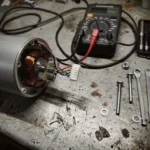
Segway Ninebot Max Error 10: Fix Communication Issues Fast
Segway Ninebot Max Error 10 indicates a communication abnormality between the display and the main control board. Check the internal wiring harnesses and connec
Segway Ninebot Max Error 10 indicates a communication abnormality between the display and the main control board. Check the internal wiring harnesses and connector seating first.
Safety Warning
Remove battery before any work
Wait 5+ minutes for capacitor discharge
NEVER bridge positive and negative terminals
Use insulated tools only
Do not test ride if you smell burning or feel excessive heat
Error 10 is a critical protocol fault. It signifies that the LCD/display unit is unable to establish a stable data handshake with the main controller via the EB-BUS communication line. This is not a mechanical motor failure, but a digital disconnect.
Symptom
Root Cause
Severity
Estimated Repair Time
Display on, but no power to motor
Communication abnormality
High
20-45 minutes
Error appears after rain/moisture
Moisture ingress in harness
Medium
15-30 minutes
Error only on bumps/vibration
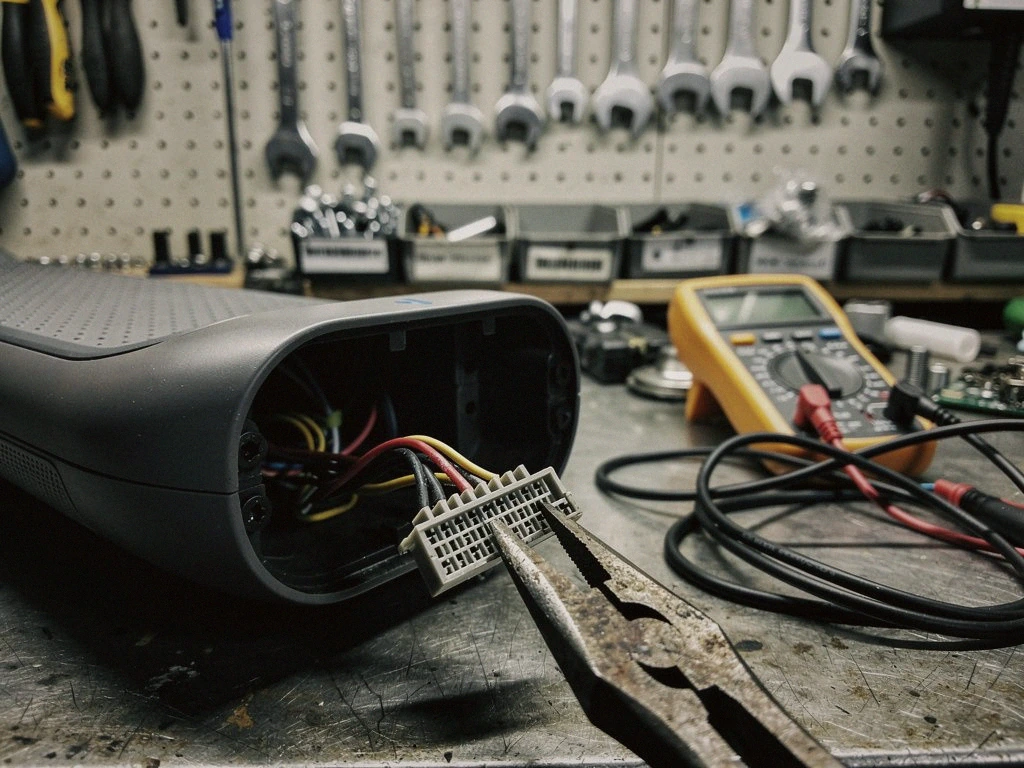
Loose JST-SM or Higo connector
Medium
10-20 minutes
Total system blackout
Main controller MOSFET/Logic failure
Critical
1 hour+
What causes Error 10 on Segway Ninebot motors?
The primary culprit is a breakdown in the display-controller communication protocol. While the Segway Ninebot Max is robust, the internal wiring is susceptible to several environmental and mechanical stressors. The EB-BUS harness carries low-voltage logic signals that, if interrupted, trigger the error code immediately.
Moisture ingress is the most common cause in humid climates or coastal areas where salt air can accelerate pin corrosion. If you have recently used a pressure washer near the stem or baseplate, water may have bypassed the seals, leading to short circuits in the 5V logic reference lines. Additionally, vibration damage from riding over uneven urban pavement can slowly unseat the Julet or Higo connectors located within the stem assembly. In some cases, the internal MOSFET within the controller may fail, preventing the display from receiving the necessary “ready” signal from the main board.
Quick Fix: Error 10 in 5 steps
Perform these steps immediately if you are stranded or in a high-stress situation.
Disconnect the battery completely from the unit.
Wait 5 minutes to allow the internal capacitors to discharge fully.
Inspect the main stem harness for visible kinks or damage.
Reseat all visible connectors (push until you hear a distinct click).
If the error persists after a restart, check for moisture in the ports.
To resolve a persistent Error 10, you must move from simple reseating to a deep electrical diagnostic. This requires a methodical approach to ensure the communication lines are intact.
Required Diagnostic Tools
Digital Multimeter (for continuity and voltage testing)
Electronic Contact Cleaner (non: residue)
Dielectric Grease (for moisture protection)
Small Phillips head screwdriver
Full Diagnostic Workflow
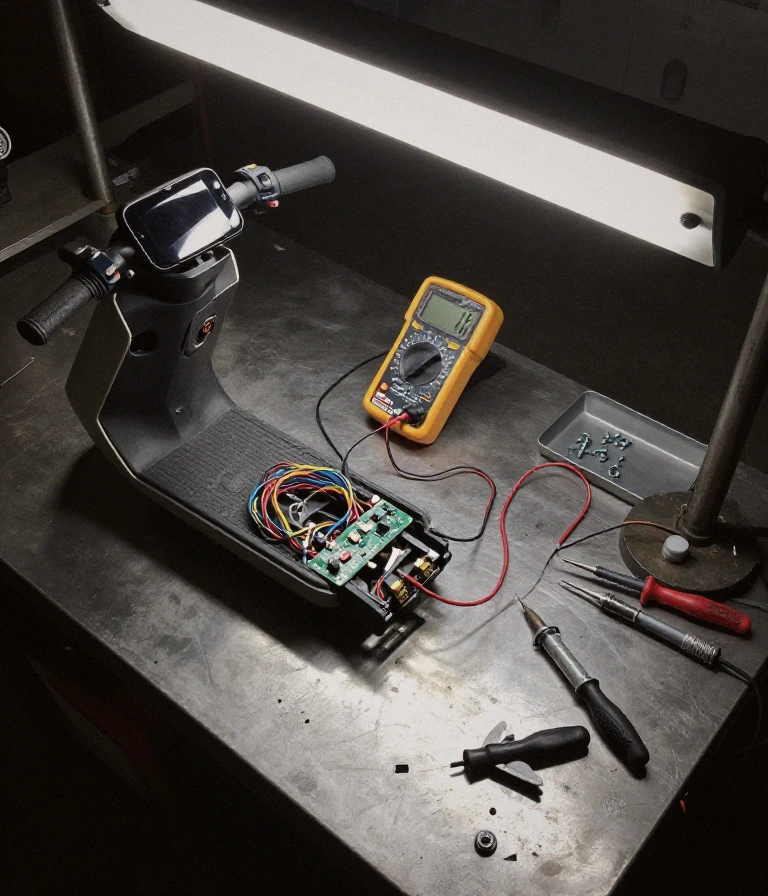
Testing the 5V reference voltage confirms if the controller is responsive. Use your multimeter to check the continuity of the wires running from the display to the controller. If you find a broken wire, the harness must be repaired or replaced. If the wires are intact, use contact cleaner to clean the pins of the JST-SM or Julet connectors to remove any oxidation. Finally, apply a thin layer of dielectric grease to the connector faces to prevent future moisture ingress. If the display still shows Error 10 despite perfect continuity, the main control board’s communication logic may be permanently damaged, requiring professional replacement.
Prevention & Maintenance
Maintaining your Segway Ninebot Max prevents the recurrence of communication faults. Protecting the electrical integrity is essential for long-term reliability.
Moisture Protection: Avoid pressure washing; use a damp cloth for cleaning only.
Connector Sealing: Ensure all Julet and Higo connectors are fully seated and the rubber seals are intact.
Torque Specs: Periodically check the bolts on the stem and battery compartment to prevent vibration-induced wire fatigue.
Climate Management: In high-humidity or coastal regions, use a silicone-based protector on external ports to block salt air.
Frequently Asked Questions
Is Error 10 a safety risk?
Yes, if caused by a short circuit. If the error is accompanied by heat or a burning smell, stop use immediately to avoid fire risk.
A communication error itself isn’t dangerous, but if it’s caused by a short in the EB-BUS harness, it can lead to unexpected behavior or battery drain.
When should I replace the controller instead of fixing wires?
Replace if continuity is confirmed but the error persists. If your multimeter shows 0 ohms of continuity across the harness but the error won’t clear, the controller’s logic gate is likely dead.
Can I use a different type of connector?
No, stick to OEM specs. Using non-standard connectors can disrupt the display-controller communication protocol and cause permanent damage.
How do I prevent this in rainy weather?
Use dielectric grease. Applying a thin layer of dielectric grease to all unsealed electrical junctions prevents moisture ingress and pin corrosion.
Check the tightness of your stem bolts every month to prevent vibration-induced wiring failure.
This guide is based on real-world experience with Segway-Ninebot systems. If the error persists or you notice a burning smell or abnormal heat, consult an authorized service center.
Frequently Asked Questions
Is Segway Ninebot Max error 10 dangerous for my scooter?
Summary: Error 10 indicates a communication abnormality between the display and the main control board.
Error 10 indicates a communication abnormality between the display and the main control board. While not an immediate battery explosion risk, it causes total loss of control and prevents throttle input.
This fault implies the LCD cannot “talk” to the controller. If you feel the scooter jerk or lose power mid-ride, it is a critical signal that the data bus is compromised. Riding with this error can lead to unexpected shutdowns in high-traffic urban areas.
When should I replace the display versus repairing the wiring?
Summary: Replace the display unit if the screen shows physical damage or internal software glitches.
Replace the display unit if the screen shows physical damage or internal software glitches. Repair the wiring if you find frayed cables or loose connectors near the stem.
A communication error often stems from a broken signal wire rather than a dead LCD. Before ordering expensive OEM parts, perform a continuity test on the internal harness. If the wiring is intact, the controller’s communication port may require professional servicing.
Can I fix Segway Ninebot error 10 at home without tools?
Summary: You can attempt a hard reset by powering down the scooter and checking for loose connections, but a true fix usually requires basic multi….
You can attempt a hard reset by powering down the scooter and checking for loose connections, but a true fix usually requires basic multimeter testing and screwdriver access.
While you can’t “fix” a broken circuit without tools, you can troubleshoot by ensuring the stem-to-deck cable is fully seated. If the error persists after a reboot, the issue is likely a physical break in the communication line that requires mechanical intervention.
How do I prevent error 10 from happening again?
Summary: Prevent this error by ensuring the stem-to-deck connection remains tight and avoiding heavy vibrations or high-impact curb jumps that can….
Prevent this error by ensuring the stem-to-deck connection remains tight and avoiding heavy vibrations or high-impact curb jumps that can shake the internal wiring loose.
Frequent vibration from urban riding can cause the communication harness to fatigue or disconnect from the main control board. Use periodic inspections to ensure all internal connectors are secure and that moisture has not entered the wiring housing.
Why does error 10 appear after riding through heavy rain?
Summary: Moisture intrusion often triggers error 10 by shorting the communication lines between the display and the controller, disrupting the dig….
Moisture intrusion often triggers error 10 by shorting the communication lines between the display and the controller, disrupting the digital signal.
If you smell ozone or notice the display flickering after a ride in wet conditions, water has likely breached the seal. This creates a high-resistance path that breaks the communication handshake required for the scooter to operate safely.
I am a specialist in technical diagnostics and advanced electric bicycle repair. I founded Fix E-Bike Code with a clear mission: to demystify the electronic faults and complex error codes that impact modern electric mobility. My approach combines engineering theory with hands-on workshop experience, allowing me to deliver precise and safe solutions for every system.
Throughout my career, I have specialized in Battery Management Systems (BMS), firmware optimization, and controller diagnostics for the market’s leading manufacturers. I understand that an e-bike is not just a mode of transport, but a piece of technology that requires precision. Therefore, I document each of my procedures with the goal of raising technical standards within the community of enthusiasts and mechanics.