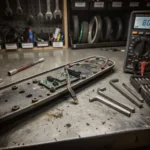
Segway Ninebot error codes indicate specific hardware or communication faults within the electric system. Check your display for the specific numerical code to
Segway Ninebot error codes indicate specific hardware or communication faults within the electric system. Check your display for the specific numerical code to identify the exact component failure.
⚠️ SAFETY WARNINGS
Remove battery before any work
Wait 5+ minutes for capacitor discharge
NEVER bridge positive and negative terminals
Use insulated tools only
Do not test ride if you smell burning or feel excessive heat
What does the Segway Ninebot error code list mean?
While many riders confuse generic e-bike faults, Segway-Ninebot systems utilize specific integer codes to pinpoint failures in the motor, battery management system (BMS), or communication protocols. Understanding these codes prevents unnecessary part replacements.
Error Code
Symptom
Root Cause
Severity
18
No motor assist
Motor Hall sensor/Magnet fault
High
21
Sudden shutdown
Communication/BMS error
Medium
42
System freeze
Controller/Logic error
High
0000
No display info
Total power loss
Critical
What causes these errors on Ninebot systems?
Technical failures usually stem from environmental factors or electrical degradation. In high-performance models, the controller manages complex power distribution through MOSFETs and logic gates. Most errors are triggered by the following conditions:
Moisture Ingress: Rain or improper pressure washing forces water into the Julet or Higo connectors, causing short circuits.
Vibration Damage: Constant road vibration from urban commuting can loosen the EB-BUS main harness or internal wiring.
Pin Corrosion: Coastal salt air or high humidity leads to oxidation on JST-SM or similar connector pins.
Thermal Stress: Excessive heat can damage the MOSFET within the controller, leading to error 42 or similar logic failures.
Connector Fatigue: Repeatedly reseating waterproof connectors without proper alignment can bend the internal pins.
Quick Fix: Resolve errors in 5 steps
If your scooter is stuck in a loop or showing a code, attempt these rapid recovery steps before deep disassembly:
Disconnect the battery from the main terminal.
Wait 5 minutes to allow the capacitors to fully discharge.
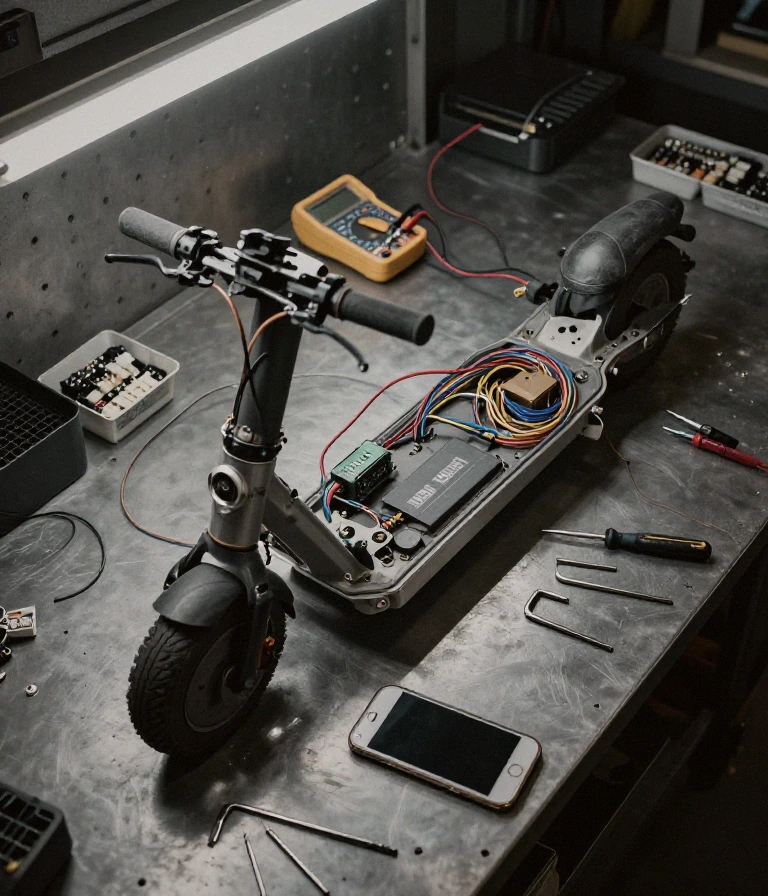
Inspect the main EB: BUS harness for visible kinks or tears.
Reseat all external connectors until you hear a distinct click.
If the error appeared after rain, use compressed air to dry the pins.
When a quick reset fails, you must move to a professional diagnostic workflow. This requires a methodical approach to isolate the faulty component.
Phase 1: Electrical Integrity Check
Use a multimeter to verify the voltage at the battery terminal. Ensure you are seeing the nominal voltage (e.g., 36V or 48V) and not a fluctuating reading. If the voltage is stable but the error persists, the issue lies in the communication protocol or the controller logic.
Phase 2: Component Isolation
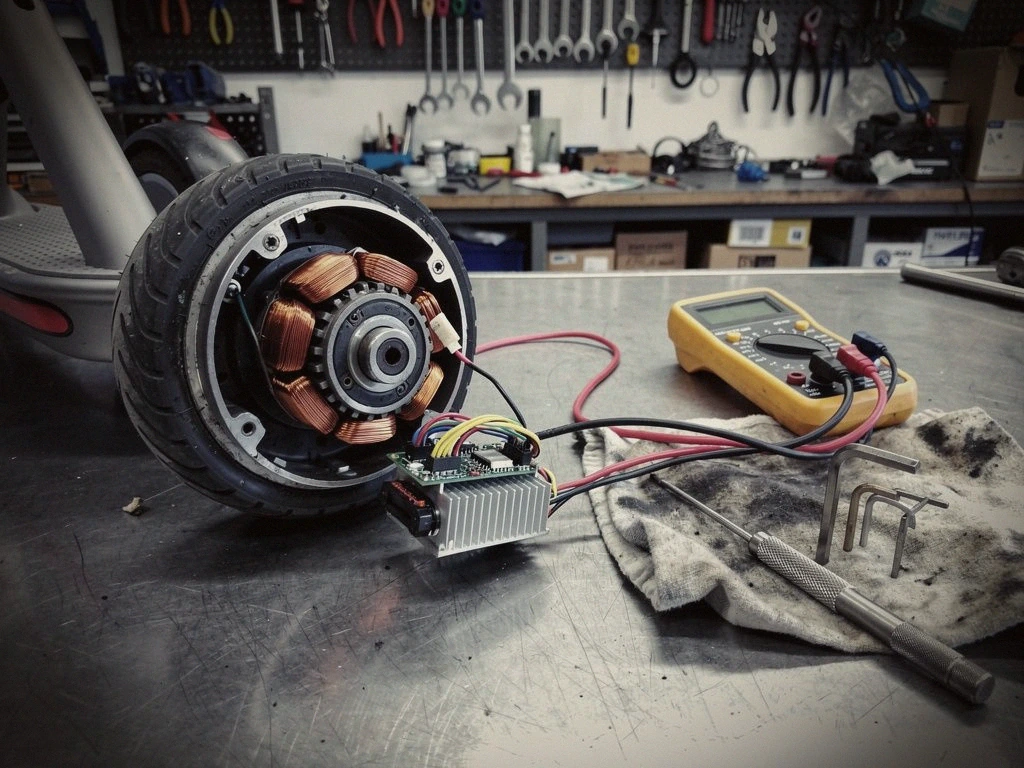
Testing the 5V logic reference voltage via the display connector can confirm if the controller is responsive. If you suspect a Hall sensor error (Code 18), you may need to check the continuity of the motor phase wires. Use dielectric grease on any cleaned connectors to prevent future oxidation.
Tools needed:
Digital Multimeter
Electronic Contact Cleaner
Dielectric Grease
Small Hex/Torx driver set
Prevention & Maintenance
Maintaining your ride’s electrical health is essential for urban commuters. To avoid recurrence, follow these professional standards:
Moisture Protection: Never use high-pressure washers; use a damp cloth for cleaning.
Connector Sealing: Ensure all Julet or Higo connectors are fully seated and the rubber seals are intact.
Climate Management: In humid or coastal areas, apply a thin layer of dielectric grease to connection points every 6 months.
Vibration Mitigation: Check torque specs on all structural bolts every 100 miles to prevent harness rattling.
Frequently Asked Questions
Is an error code a safety risk?
Summary: Yes, if accompanied by heat.
If an error code is accompanied by a burning smell or the motor/battery feels excessively hot to the touch, stop riding immediately. This indicates a MOSFET failure or a short circuit.
When should I replace the whole controller instead of fixing a wire?
Summary: When the error is internal/logic-based.
If you have verified all external connections (EB-BUS, Hall sensors) are intact and the error code (like 42) persists, the internal logic of the controller is likely compromised and requires replacement.
Are there alternatives to official service centers?
Summary: Specialized e-bike mechanics.
While official centers are safest, many urban e-bike specialists can perform component-level repairs (like replacing a single Hall sensor) which is often cheaper than a full OEM assembly replacement.
How do I prevent errors in humid climates?
Summary: Use specialized contact cleaners.
In high-humidity regions, use an electronic contact cleaner once a month to remove micro-corrosion from the display-controller communication pins.
How can I prevent errors from rain?
Summary: Check the seal integrity.
Ensure the rubber gaskets on your Julet connectors are not cracked or missing, as this is the primary entry point for moisture ingress during storms.
Always verify your specific error code against your model’s official service manual for exact specifications.
This guide is based on real-world experience with Segway-Ninebot systems. If the error persists or you notice a burning smell or abnormal heat, consult an authorized service center.
Frequently Asked Questions
Is Segway Ninebot error code 21 dangerous for my motor?
Summary: Error code 21 indicates a motor Hall sensor or magnet abnormality.
Error code 21 indicates a motor Hall sensor or magnet abnormality. It is potentially dangerous because it can cause unpredictable motor behavior or sudden stops during operation.
This error typically stems from a damaged Hall sensor or a loose magnet within the motor assembly. If you feel the motor cogging or vibrating abnormally, the drive board or the sensor itself likely requires professional inspection to ensure electrical integrity.
When should I replace a Ninebot controller versus repairing it?
Summary: Replace the controller if you detect MOS FET failure or internal circuit damage.
Replace the controller if you detect MOS FET failure or internal circuit damage. Repairing is only viable if the issue is a simple external wiring harness connection.
When the drive circuit fails to sample total current correctly, the hardware is compromised. For riders in high-humidity regions like Florida or coastal California, salt air corrosion often necessitates a full replacement of the controller to maintain UL-2271 or UL-2272 safety standards.
Can I fix Segway Ninebot error code 18 at home without tools?
Summary: You cannot perform a permanent fix for error 18 without specialized diagnostic tools.
You cannot perform a permanent fix for error 18 without specialized diagnostic tools. This error relates to internal communication or sensor faults that require technical intervention.
While you can perform a basic “hard reset” by powering down the unit, error 18 often signifies a deep-seated communication failure between the controller and the peripheral modules. If the error persists after a reboot, you must use a multimeter to check for continuity in the wiring harness.
How do I prevent Ninebot error codes from happening again?
Summary: Prevent errors by ensuring your device is stored in a climate-controlled environment and avoiding high-pressure water washes.
Prevent errors by ensuring your device is stored in a climate-controlled environment and avoiding high-pressure water washes. This protects the sensitive internal electronic components from moisture ingress.
Corrosion on the contact points or moisture in the wiring harness is a primary cause of communication errors. Following the official maintenance schedule and keeping the unit’s firmware updated via the official app helps maintain the stability of the EFLS and control systems.
Why does error code 42 appear after riding in heavy rain?
Summary: Error code 42 typically indicates a voltage or sensor fault triggered by moisture interference.
Error code 42 typically indicates a voltage or sensor fault triggered by moisture interference. Heavy rain can cause temporary short circuits in the external connection ports.
If the error appears immediately after exposure to wet conditions, the moisture is likely interfering with the signal integrity of the sensor lines. Dry the unit thoroughly and check the seals around the battery compartment to ensure the electrical housing remains watertight.
I am a specialist in technical diagnostics and advanced electric bicycle repair. I founded Fix E-Bike Code with a clear mission: to demystify the electronic faults and complex error codes that impact modern electric mobility. My approach combines engineering theory with hands-on workshop experience, allowing me to deliver precise and safe solutions for every system.
Throughout my career, I have specialized in Battery Management Systems (BMS), firmware optimization, and controller diagnostics for the market’s leading manufacturers. I understand that an e-bike is not just a mode of transport, but a piece of technology that requires precision. Therefore, I document each of my procedures with the goal of raising technical standards within the community of enthusiasts and mechanics.