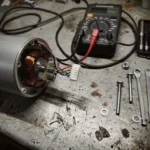
Ninebot G30 Error 22 indicates a battery password error or a mismatch in the communication protocol between the battery and the controller. Check the battery co
Ninebot G30 Error 22 indicates a battery password error or a mismatch in the communication protocol between the battery and the controller. Check the battery connection and firmware status immediately.
⚠️ SAFETY WARNINGS
Remove battery before any work
Wait 5+ minutes for capacitor discharge
NEVER bridge positive and negative terminals
Use insulated tools only
Do not test ride if you smell burning or feel excessive heat
Error 22 is a security-related fault within the Segway-Ninebot ecosystem. It typically signals that the controller has rejected the battery’s identification data, often due to a “password” mismatch in the digital handshake or a firmware version conflict. This is not a mechanical motor failure, but a digital communication failure between the power source and the scooter’s brain.
Symptom
Root Cause
Severity
Estimated Repair Time
Red wrench icon/Beeping
Battery Password Mismatch
Critical (No Power)
30-60 minutes
Display on, no motor assist
Firmware/Software Conflict
Moderate
15-30 minutes
Error after firmware update
Incorrect Protocol Version
Moderate
20 minutes
Error after heavy vibration
Loose Battery Connector
High
10-20 minutes
What causes Error 22 on Ninebot scooters?
The root of Error 22 lies in the communication protocol used during the startup sequence. When you power on the Ninebot G30, the controller performs a digital handshake with the battery management system (BMS). If the “password” (an encrypted ID) does not match the expected value stored in the controller, the system triggers Error 22 to prevent unauthorized or incompatible battery usage.Several environmental and technical factors trigger this fault:
Firmware Mismatch: A recent update to the controller or the app may have changed the communication protocol, rendering the existing battery ID “invalid.”
Moisture Ingress: In humid climates or after heavy rain, moisture can penetrate the battery contact pins, causing signal noise that disrupts the digital handshake.
Vibration Damage: Frequent riding over uneven US urban streets can cause the internal battery connectors to loosen, leading to intermittent signal loss.
Connector Corrosion: Coastal salt air can cause pin corrosion on the main power harness, preventing a clean data exchange.
BMS Failure: The internal logic of the battery itself may be failing to broadcast the correct identification code.
Quick Fix: Error 22 in 5 steps
If you are in a hurry, follow these steps to attempt an immediate bypass or reset:
Disconnect the battery from the scooter completely.
Wait at least 5 minutes to allow the internal capacitors to discharge fully.
Inspect the battery connection terminals for any visible debris or moisture.
Reseat the battery connector, pushing firmly until you feel a secure click or engagement.
Hold the throttle and brake briefly during the next startup attempt to bypass temporary software glitches.
For a permanent fix, you must perform a deeper diagnostic. This requires verifying the electrical integrity of the connection.
Diagnostic Workflow
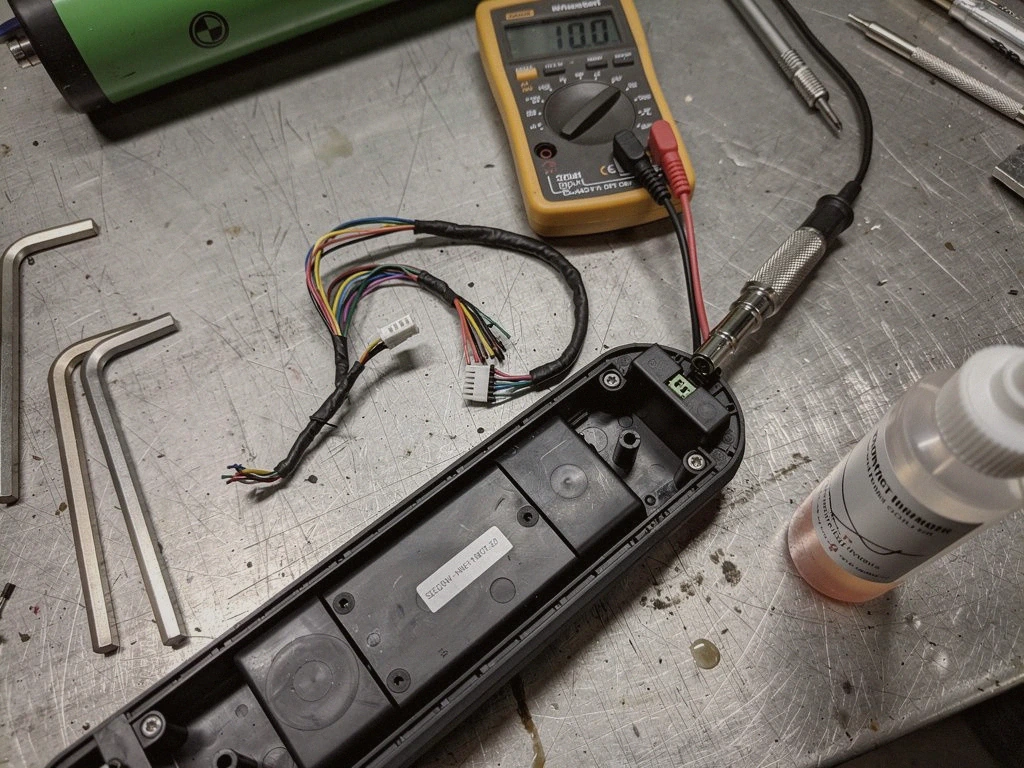
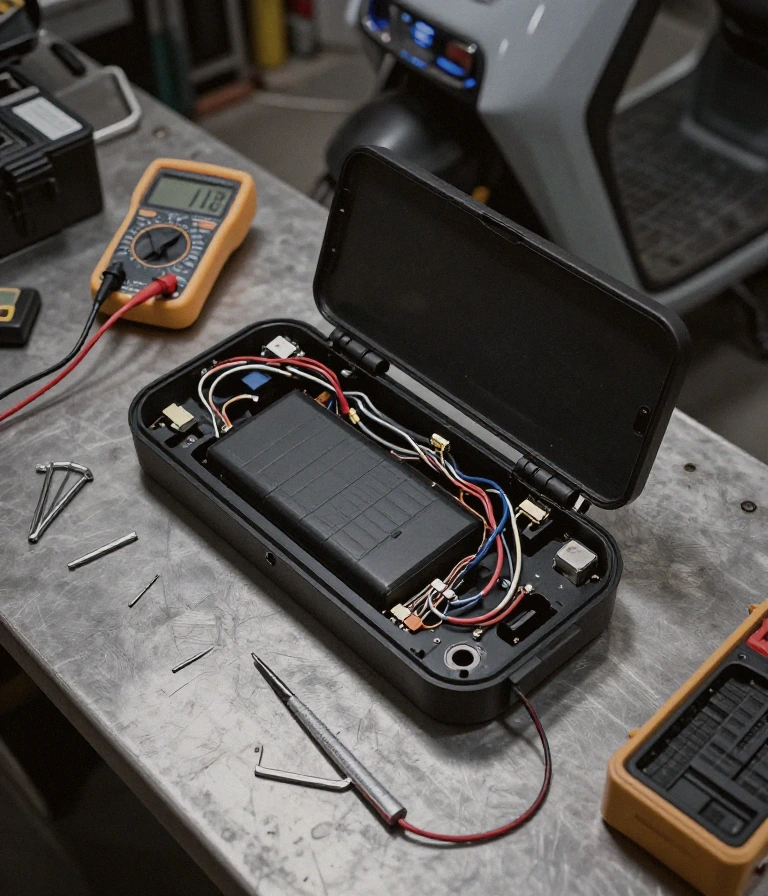
Testing the connection stability is the first priority. Use a multimeter to check the voltage at the battery interface to ensure it meets the nominal requirements (typically 36.8V for G30 models, but refer to your model’s official service manual for exact specifications).
Follow this workflow:
Step 1: Cleaning. Use a specialized electronic contact cleaner to clean the battery pins and the scooter’s receiving port.
Step 2: Inspection. Look for signs of “pin fatigue” where the metal contacts have lost their spring tension.
Step 3: Firmware Check. Ensure both the scooter and the connected app are on the latest compatible versions.
Step 4: Dielectric Application. Apply a tiny amount of dielectric grease to the contact points to prevent future moisture-induced communication errors.
If the error persists after cleaning and reseating, it is highly likely a firmware mismatch or a hardware failure within the battery’s BMS. At this stage, replacing the battery or the controller may be necessary.
Prevention & Maintenance
To avoid the recurrence of Error 22, focus on environmental protection and physical stability. Urban commuters in high-humidity or coastal regions should be particularly vigilant.
Moisture Protection: Always dry the battery compartment thoroughly after riding in rain.
Connector Sealing: Ensure the battery shroud is tightly secured to prevent vibration from loosening the electrical connection.
Climate Management: In freeze-thaw cycles, condensation can build up inside the battery port; use a dry cloth to wipe pins daily.
Avoid Pressure Washing: Never use high-pressure water near the battery interface, as this causes deep moisture ingress that bypasses standard seals.
Frequently Asked Questions
Is Error 22 dangerous to ride?
Summary: Yes, do not ride if the error is accompanied by heat.
If Error 22 is accompanied by a burning smell or excessive heat from the battery area, stop immediately. This indicates a potential short circuit or MOSFET failure rather than a simple software error.
When should I replace my battery instead of fixing the error?
Summary: Replace if the error persists after firmware and cleaning.
If you have cleaned the pins, updated the firmware, and reseated the battery, but the error remains, the battery’s internal BMS is likely faulty. At this point, a replacement is the only reliable solution.
Can I bypass this error with a different charger?
Summary: No, the charger does not affect the communication error.
The error is a data mismatch between the battery and the controller. Using a different charger will not change the digital “password” or the communication protocol being used.
How can I prevent this in the future?
Summary: Maintain clean, dry, and tight connections.
Regularly inspect your battery terminals for corrosion and ensure the battery is seated perfectly every time you charge or ride to prevent vibration-induced signal loss.
Check the battery connection and terminal cleanliness before attempting any firmware updates.
This guide is based on real-world experience with Segway-Ninebot systems. If the error persists or you notice a burning smell or abnormal heat, consult an authorized service center.
Summary: Error 22 indicates a Built-in Battery Password Error.
Error 22 indicates a Built-in Battery Password Error. While not immediately explosive, it signals a critical communication failure within the BMS that can lead to unpredictable power delivery or thermal mismanagement.
This error occurs when the Battery Management System (BMS) fails to authenticate with the scooter’s controller. If you notice the battery casing feels unusually warm or smells like ozone, stop riding immediately to prevent potential cell instability.
Should I repair the battery or replace it for error 22?
Summary: You should replace the entire battery pack if error 22 persists.
You should replace the entire battery pack if error 22 persists. This code typically signifies a hardware-level authentication failure that cannot be resolved by simple software resets or wiring adjustments.
Repairing a BMS-locked battery is high-risk and often impossible without proprietary OEM tools. For riders in the US, replacing the unit with a certified pack meeting UL-2271 or UL-2272 standards is the only safe path to restore integrity.
Can I fix Ninebot error 22 at home without tools?
Summary: No, you cannot reliably fix error 22 without specialized diagnostic equipment.
No, you cannot reliably fix error 22 without specialized diagnostic equipment. A temporary workaround is holding the throttle and brake during startup to bypass the error, but this does not fix the underlying fault.
Since this is a digital handshake failure between the battery and the controller, “home fixes” like tightening bolts won’t work. If the bypass method fails, the internal security protocol of the battery has been tripped, requiring professional service.
How do I prevent error 22 from happening again?
Summary: Prevent error 22 by avoiding deep discharges and using only official Segway chargers.
Prevent error 22 by avoiding deep discharges and using only official Segway chargers. Ensure your scooter is stored in a temperature-controlled environment to prevent moisture from affecting the BMS communication pins.
Extreme temperature swings in regions like the Northeast or Southwest can cause condensation inside the battery housing. This moisture can short the low-voltage communication lines, triggering the password error during the next authentication cycle.
Why does error 22 appear after a long ride?
Summary: Error 22 appearing after heavy use often indicates voltage sag or heat-induced communication loss.
Error 22 appearing after heavy use often indicates voltage sag or heat-induced communication loss. High-current draws during long climbs can cause the BMS to lose its secure connection to the main controller.
If the motor feels cogged or power cuts out abruptly after a long session, the battery’s internal security protocol is likely reacting to unstable voltage levels. Check that your connections are seated tightly and refer to your model’s official service manual for exact specifications.
I am a specialist in technical diagnostics and advanced electric bicycle repair. I founded Fix E-Bike Code with a clear mission: to demystify the electronic faults and complex error codes that impact modern electric mobility. My approach combines engineering theory with hands-on workshop experience, allowing me to deliver precise and safe solutions for every system.
Throughout my career, I have specialized in Battery Management Systems (BMS), firmware optimization, and controller diagnostics for the market’s leading manufacturers. I understand that an e-bike is not just a mode of transport, but a piece of technology that requires precision. Therefore, I document each of my procedures with the goal of raising technical standards within the community of enthusiasts and mechanics.